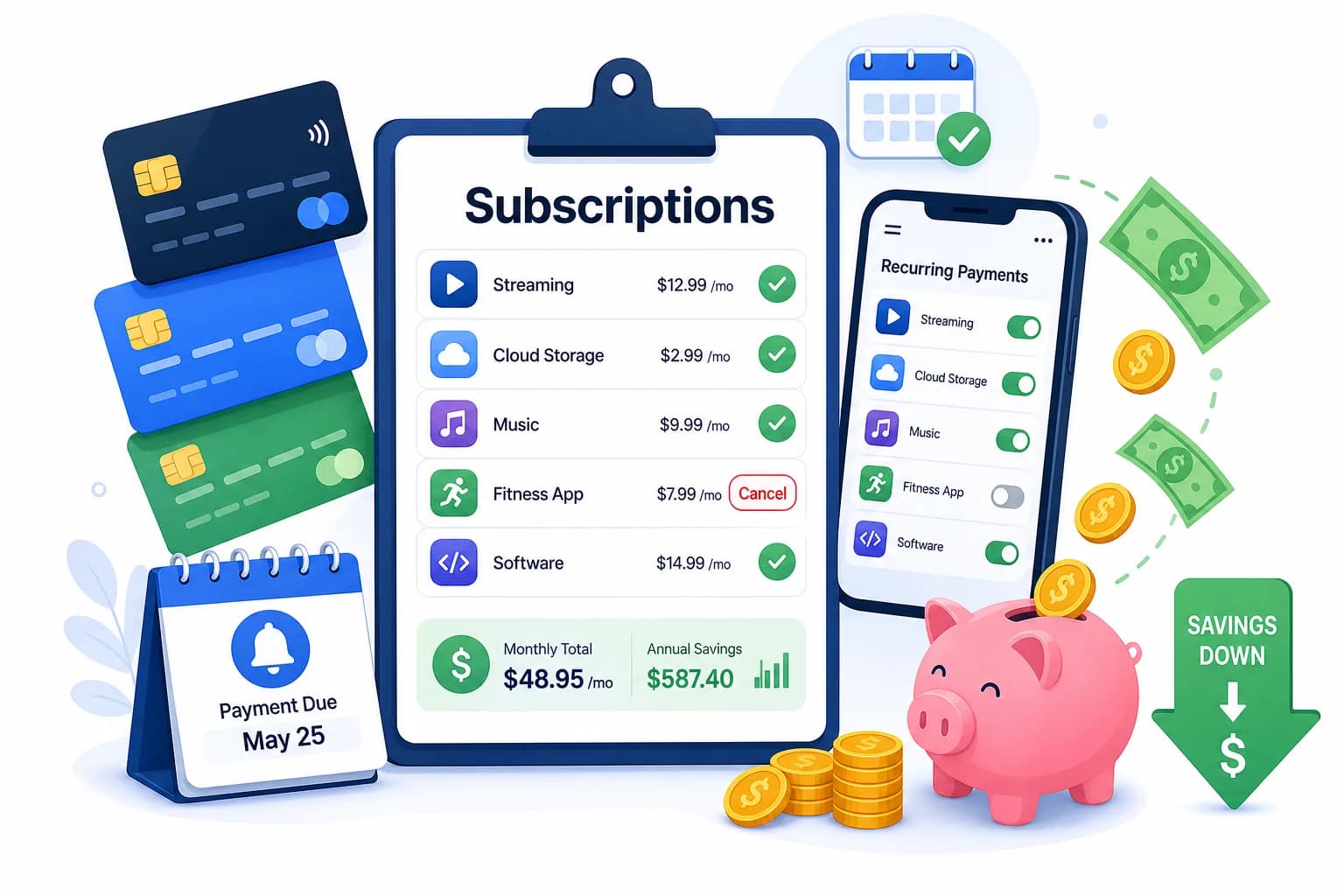
Executive summary: The average American wastes $52 a month on unused or underused subscriptions. A subscription audit is a structured review of every recurring charge on your account — identifying what you actually use, what you can downgrade, and what to cancel immediately. This guide walks you through a 6-step audit process that most people complete in under an hour and typically uncover $100 or more in monthly savings.
What Is a Subscription Audit?
A subscription audit is the practice of systematically reviewing every recurring subscription you pay for — streaming services, software licenses, membership programs, delivery boxes, cloud storage, and anything else billed monthly or annually. The goal is simple: pay only for what you actively use and derive value from.
Most people discover two patterns during an audit. First, they have subscriptions they signed up for with good intentions but stopped using — a gym app they opened once, a language learning platform they forgot about, or a premium productivity tool they never actually opened. Second, they find overlapping services charging them twice for the same functionality, such as two cloud storage plans or multiple video streaming platforms they barely watch.
Why Subscription Fatigue Is Costing You Money
Subscription fatigue happens when the cumulative weight of multiple recurring charges slips past your attention. Each individual subscription seems small — $9.99 here, $14.99 there — but they add up fast. Research from the card marketplace Doorly found that the average U.S. household spends $273 per month on subscriptions, with roughly $52 of that going to services that are rarely or never used.
For marketers and professionals, subscription creep often targets your work stack. A project management tool you adopted during a busy quarter, a design software license you forgot to downgrade after a project ended, or a stock photo subscription you no longer need after changing your content strategy. These quietly drain your budget without delivering ongoing value.
The 6-Step Subscription Audit Process
Follow this structured process to audit every subscription you have. Most people complete it in 45 to 60 minutes and find at least $100 in monthly savings.
Step 1: List Every Recurring Charge
Start by pulling your last three months of credit card and bank statements. Go through every transaction and note anything that recurs — monthly, quarterly, or annually. Do not rely on memory alone, because most people underestimate how many active subscriptions they have. Write everything down, even if you are not sure what a charge is for.
- Pull 90 days of bank and credit card statements
- Create a spreadsheet with columns: service name, cost per cycle, billing date, last used, and notes
- Include family plan shares and employer-provided subscriptions you contribute to
- Check your phone app store for active subscriptions separately from bank statements
Step 2: Categorize Each Subscription
Once your list is complete, group each subscription into one of four categories. Essential means you use it daily or weekly and it directly supports your work or life. Useful means you use it at least once a month and it provides clear value. Infrequent means you use it a few times a year or less. And Unused means you cannot remember the last time you opened it or you signed up for it but never really started.
- Essential — daily or weekly active use (keep)
- Useful — monthly use with clear ROI (evaluate)
- Infrequent — a few times per year (downgrade or cancel)
- Unused — signed up, never used, or completely forgot about (cancel immediately)
Step 3: Check for Overlapping Services
Many professionals end up paying for multiple tools that do the same thing. Common overlaps include two cloud storage plans (Google Drive and Dropbox), two project management platforms (Asana and Monday.com), multiple AI writing tools, and two music streaming services. Pick one and cancel the other. If your team or household has shared subscriptions, coordinate to avoid paying twice for the same coverage.
Step 4: Look for Price Increases and Plan Changes
Subscription services routinely raise prices and change plan features. A service you subscribed to at $9.99 a month may now be $14.99 with fewer features. Log into each account and check the current pricing against what you are being charged. Many services also offer annual plans at significant discounts compared to their monthly billing — switching from monthly to annual billing for a tool you use consistently can save 15 to 30 percent.
Step 5: Negotiate or Downgrade
Before cancelling anything, contact the provider directly. Many services have a retention team empowered to offer better rates, free months, or plan downgrades. This works particularly well for internet service providers, software suites, streaming platforms, and gym memberships. Simply saying you are cancelling because the price is too high often unlocks a better deal. If they cannot offer a reasonable rate, downgrade to the lowest tier that still covers your actual usage.
- Call or chat with customer retention before cancelling
- Ask specifically for a loyalty discount or better plan
- Request a pause rather than cancellation if you want to keep access temporarily
- Downgrade first instead of cancelling if you still need the service occasionally
Step 6: Set a Recurring Review Schedule
An audit is not a one-time event. Subscriptions pile back up if you do not review them regularly. Set a quarterly reminder to check your active subscriptions. Before signing up for any new subscription, apply a 30-day rule: if you will not use it daily or weekly for at least three months, do not subscribe. This prevents impulse subscriptions from becoming silent budget drains.
How to Cancel Without Hassle
Most companies make cancelling harder than signing up. Common tactics include complex cancellation flows, phone-only cancellations, and retention offers designed to wear you down. Here is how to cancel efficiently.
- Check if cancellation is available online before calling — many services hide this in account settings
- Use email templates from services like Cancel Easy or Just Not Sorry to formalize your cancellation
- Screenshot your cancellation confirmation before ending the chat or closing the page
- Set a calendar reminder 30 days after cancellation to verify the charge has stopped
Tools to Track Your Subscriptions
Manual audits are effective, but subscription tracker tools keep your finances clean on an ongoing basis. These tools automatically detect recurring charges and flag them for review.
- Rocket Money — automatically identifies recurring subscriptions and flags price increases
- Truebill — syncs with your bank account to surface all active subscriptions
- Mint — tracks recurring charges as part of your overall budget view
- Build a simple spreadsheet if you prefer full control and no third-party account access
What to Do With the Money You Save
The average person finds $100 to $200 in monthly savings from a thorough subscription audit. Rather than letting that money dissolve back into lifestyle inflation, direct it somewhere intentional. Options include building an emergency fund, paying down high-interest debt, investing in a skill-building course, or funding a specific savings goal. Giving each saved dollar a job makes the discipline of auditing subscriptions feel rewarding rather than restrictive.
Common Subscription Mistakes Marketers Make
Marketers are particularly prone to subscription accumulation because the nature of the work requires sampling many tools. Here are the most common mistakes to avoid.
- Paying for multiple analytics platforms with overlapping data — often one premium tool and one free tool cover everything you need
- Keeping a premium SaaS license after a project ends instead of downgrading to a free or basic tier
- Subscribing to AI tools that have largely replaced each other in capability — you likely only need one or two, not five
- Forgetting about annual subscriptions that auto-renew — set reminders 30 days before renewal dates
Key Takeaways
A subscription audit is a 45-minute exercise that typically uncovers $100 or more in monthly savings. The process is straightforward: list every recurring charge, categorize them by actual usage, cut the overlaps, negotiate better rates, and set a quarterly review schedule. Do not rely on memory alone — use bank statements and subscription tracker tools to get a complete picture. The money you recover can fund your emergency fund, pay off debt, or invest in tools that genuinely move the needle for your work.
Take control of your money today
Start free with Spendmate — track expenses, plan budgets, and reach your financial goals.
Start free with Spendmate